
Stress testing navigation through recently visited folders in &file-pilot

Stress testing navigation through recently visited folders in &file-pilot
System wide Drag & Drop &file-pilot
Separating folders from files, toggling their visibility, combined with filtering. &file-pilot
Last update video for this year featuring proper UI and DPI scaling. It works nicely when switching monitors with different DPIs. &file-pilot
Rectangular selection with smooth mouse scrolling on an expanded Windows drive (approx. 1 million files). &file-pilot
Switch between folders and files. &file-pilot
Select everything, toggle folders on and off, and you'll have all your files selected.
Use two split panels, one for files and one for folders.
Hundreds of thousands of new file entries arrive, and your scroll position remains fixed on your selection while still responding seamlessly to your scroll input. All movements in the video result from mouse scrolling and keyboard arrow actions. &file-pilot
Sort by size in &file-pilot includes directories contents, which is super handy!
I won't be showcasing huge features anymore before the alpha release, so I thought I'd share small feature I added today, "single-click to open". It mostly emulates Windows behaviour, short hover delay to select and it works nicely with multiple selections. I also integrated it into GoTo and commands window. &file-pilot

After few months of hard work and rewriting UI system from scratch, finally something to show 🙂 &file-pilot
https://youtu.be/yxRSu7mVn7A

Tightening UI renderer. Drop shadows for popups (left pic). Smoothed edges (right pic). &file-pilot

As the end of the year approaches, I thought it would be nice to do a quick review of 2022 in the form of a short timelapse video. &file-pilot
https://youtu.be/P9v0PvKqIiQ

GoTo window and Navigation pane &file-pilot
https://youtu.be/b5nhexh-M4c
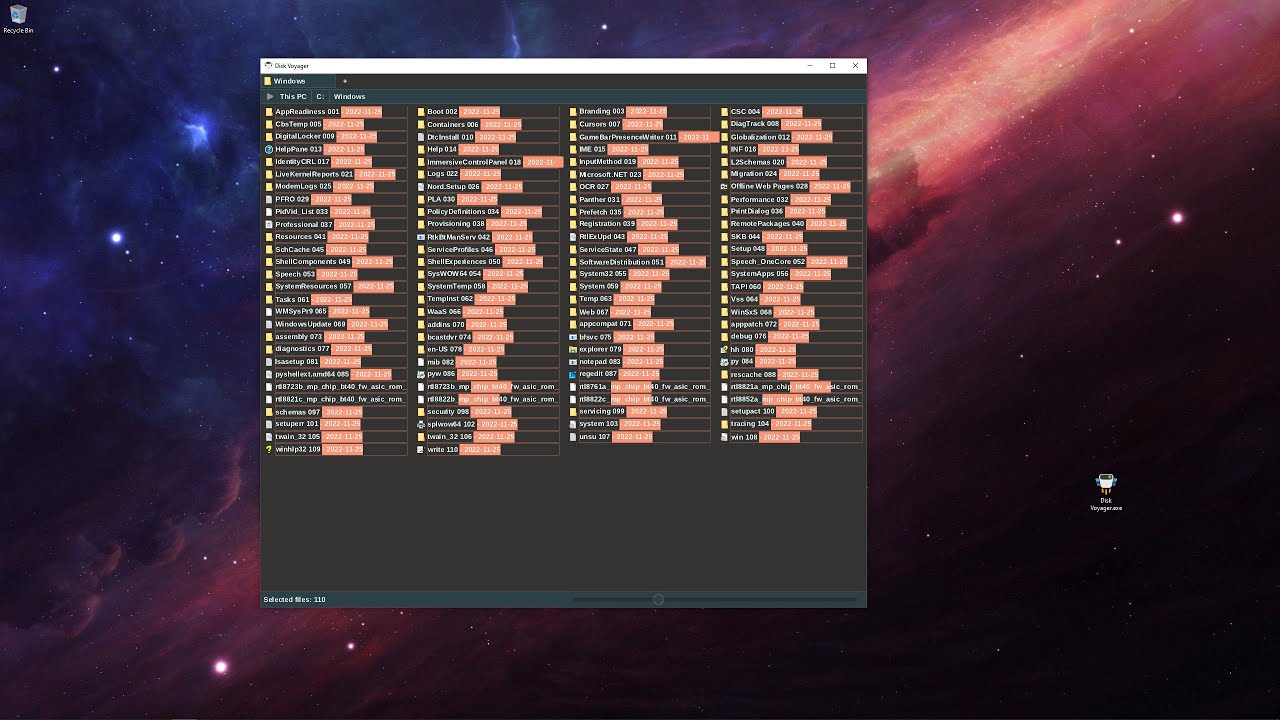
Selection Batch Renaming &file-pilot

&file-pilot - Improving right click context menu
https://youtu.be/axzraOKueK4

&file-pilot
- Tabs
- Create, delete, change tabs with mouse, command palette or hotkeys
- Open in new tab
- Stored in sessions and layouts
- Future support: tab rearrangement, tab into window
- Multiple selection with mouse and hotkeys
- Copy / Paste / Delete
- Results window
- Auto update stats/files across all panels
- Put to background tab
- Drag & drop mouse support
- Terminate
- Tech
- Custom HashMap (stb like with support for length base strings and arena allocation)
- Heavier use of scratch arenas
- Moved to unsigned counts/lengths
- IMGUI interactions rework
&file-pilot
- Drive listing
- Works with expansion too. You can expand all drives together
- Separate goto window for recents/bookmarks/common system paths
- Support for automatic storing of current session (window size, panel layout, selection etc..)
- Support for saving/loading layouts (named sessions)
- File preview in separate panel (support for images now, planned: text, audio, video...)
- Support for ignored folders when searching (e.g. .git .svn)
- Support for multiple keybindings for same action
- Mapped basic vim movement actions (not interfering with regular keybindings)
- Open cmd & file explorer commands
- Display options for:
- Show/hide file extensions
- Show/hide hidden files
- Show/hide system files
- Miscellaneous
- Switched to length based strings struct String { char *value; int length; }
- Removed Allocator wrapper abstraction and using Arenas / Pools directly
- Moved away completely from visual studio, using remedybg + portable MSVC
&file-pilot
- Proper redrawing on window resize
- Support for different thumbnail sizes
- Using slider, but still experimenting on how to improve Windows default UX
- Round corners everywhere ^^
&file-pilot
&file-pilot - modern and fast file explorer. I've been working on it in my spare time. Probably gonna commit on it fully now. It's written in C and has custom OpenGL renderer. Its already blazingly fast. It expands my C drive with 200 GBs in less than 2 seconds and supports fzf filtering on the expanded content. Searching and filtering is multithreaded. There are tons of features I wanna experiment with in order to improve UX of traditional explorers (gonna share those in the future). Atm my primary focus is still on good performance.
